


Description
Download GB-PVR – Free TV Recording Software for Windows Media Center
Overview: Transform Your PC into a Powerful Media Center with GB-PVR
GB-PVR is a robust, free, and lightweight software solution that allows users to convert their Windows PC into a fully functional media center with advanced TV recording and playback capabilities. Since its debut in 2007, GB-PVR has gained a loyal following across the globe, particularly in regions like India, South Africa, and Lebanon, where it's widely used for home entertainment and digital TV management. This powerful tool is specifically designed for users with TV tuner cards, enabling seamless live TV viewing, scheduled recordings, and on-demand playback. With over 118,000 downloads and a consistent presence in the Video software category, GB-PVR continues to stand out as a reliable choice for anyone seeking a no-cost alternative to expensive set-top boxes or cable DVRs.
One of the standout features of GB-PVR is its minimal system footprint. Unlike many media center applications that demand high-end hardware, GB-PVR runs efficiently on older systems, including Windows ME and later versions. This makes it an ideal option for users with legacy PCs who still want modern media center functionality. The software supports a wide range of TV tuner devices, ensuring compatibility with both analog and digital (DVB-T, DVB-T2) signals. Whether you're recording your favorite news show, catching up on sports, or creating a personal video library, GB-PVR delivers a smooth and user-friendly experience.
Another major advantage is its open-source nature—GB-PVR is completely free to download, use, and distribute. There are no hidden fees, subscription models, or intrusive ads. This transparency has helped build trust among users who value privacy and software freedom. With regular updates and a strong community forum, the developers ensure that the software remains stable and secure. For anyone looking to enhance their home entertainment setup without spending a dime, GB-PVR is a top-tier choice that combines functionality, reliability, and ease of use.
Key Features: What Makes GB-PVR a Top-Tier TV Recording Tool?
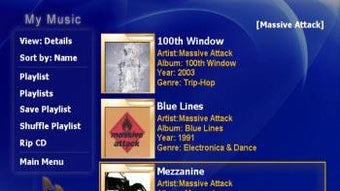
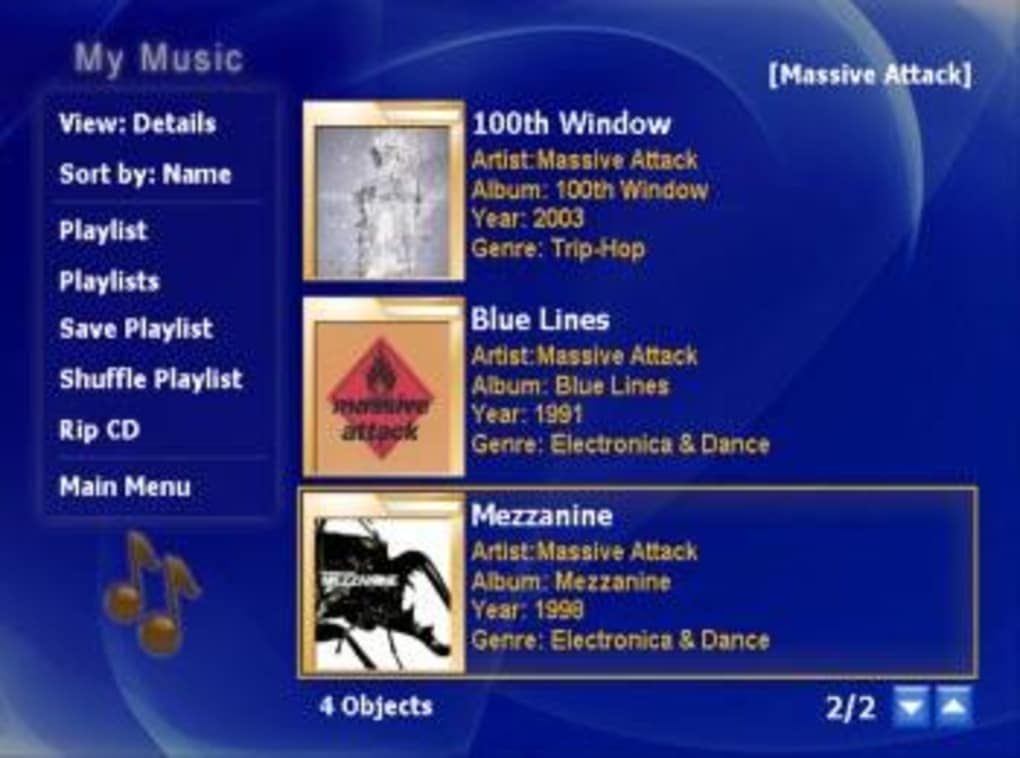
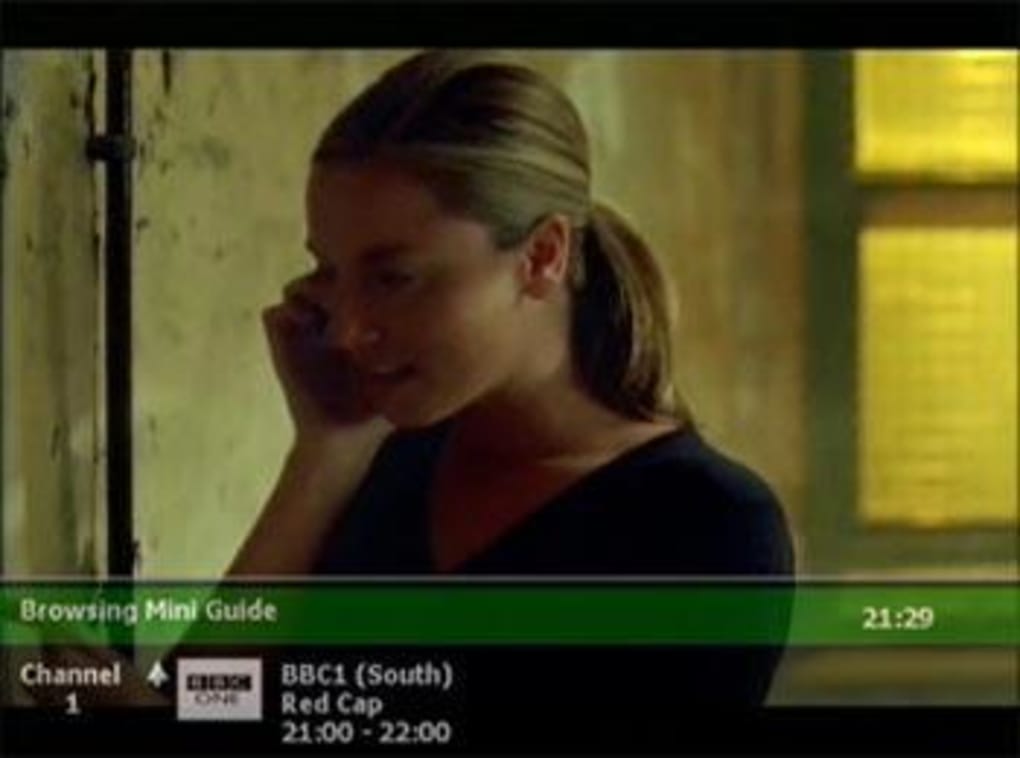
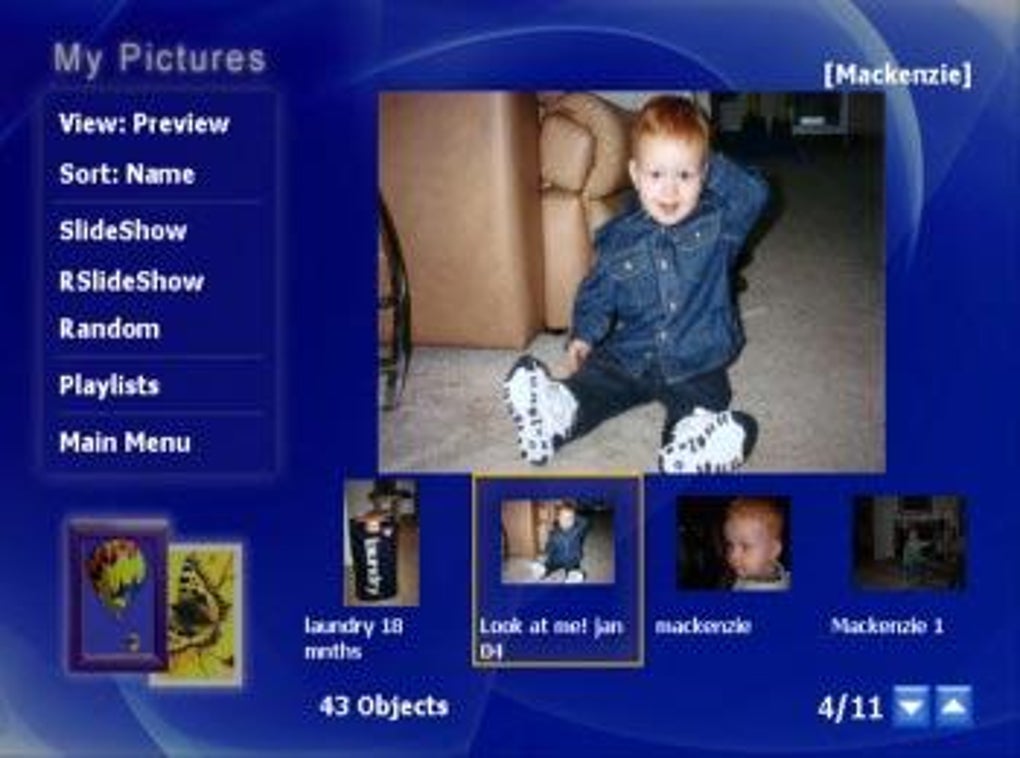
GB-PVR is packed with powerful features that make it one of the most capable free TV recording tools available for Windows. Its core functionality revolves around turning your PC into a full-featured digital video recorder (DVR), but it goes far beyond basic recording. The software supports live TV streaming, allowing users to watch broadcasts in real time without delays. This is especially useful for sports fans or those who want to catch up on news without missing a beat. The intuitive interface ensures that even first-time users can navigate the program with ease, thanks to customizable layouts and a well-organized menu system.
One of the most appreciated features is its scheduling system. Users can set up one-time or recurring recordings with precision, including options for automatic retries if a broadcast is interrupted. The software also includes a powerful search function to help locate recordings quickly, and it supports metadata tagging for better organization. Whether you're recording a single episode or building a full series library, GB-PVR ensures your content is neatly categorized and easy to access.
Additional standout features include support for multiple TV tuners, remote control integration (via IR or USB), and the ability to stream recordings to other devices on your network. The software also offers video playback with full pause, rewind, and fast-forward functionality—ideal for catching up on missed episodes. For advanced users, GB-PVR supports plugins and scripting, allowing for deeper customization. These features, combined with its lightweight design and free licensing, make GB-PVR a standout in the crowded video software market.
Installation & Usage: Getting Started with GB-PVR in Minutes
Installing GB-PVR is a straightforward process that can be completed in just a few minutes. First, ensure your PC has a compatible TV tuner card—this could be an internal PCI card or an external USB device. Once your hardware is connected, download the latest version of GB-PVR from a trusted source. The software is available as a free download and requires no registration or account creation. After downloading the installer, run it and follow the on-screen prompts. The setup wizard will guide you through the installation, and the program will automatically detect your TV tuner if it’s properly configured.
Upon first launch, GB-PVR will prompt you to configure your TV tuner settings. This includes selecting your signal type (analog, DVB-T, DVB-T2), scanning for available channels, and setting up your preferred recording folder. The channel scanner is efficient and usually completes within a few minutes. Once the setup is complete, you can begin watching live TV or schedule recordings using the intuitive interface.
For daily use, simply launch GB-PVR and select a channel from the channel list. You can pause, rewind, or fast-forward during playback, just like with a traditional DVR. To record a show, click the “Record” button or schedule it in advance using the scheduler. The software also supports remote control support, so you can control your media center from across the room. With its low resource usage and simple setup, GB-PVR is perfect for users of all skill levels—from beginners to tech-savvy enthusiasts.
Compatibility & System Requirements
GB-PVR is designed to run on a wide range of Windows operating systems, including Windows ME, Windows 2000, Windows XP, Windows Vista, Windows 7, and later versions. This broad compatibility ensures that even users with older PCs can take advantage of modern TV recording features. The software is lightweight, requiring minimal disk space and RAM, which makes it ideal for systems with limited resources. It supports both internal and external TV tuner cards, including USB-based models, giving users flexibility in hardware selection.
For optimal performance, it's recommended to have at least 512 MB of RAM and 100 MB of free disk space. However, many users have successfully run GB-PVR on systems with even less. The software is available in English and is free to download and use. It does not require an internet connection for basic functionality, although updates and channel scans may benefit from a stable connection.
GB-PVR is not currently available for Mac, Android, or iOS platforms. However, users on other operating systems can explore alternative solutions such as TVHeadend or Kodi with TV tuner plugins. For Windows users, GB-PVR remains one of the most reliable and feature-rich free tools for TV recording and media management.
Pros and Cons: Is GB-PVR Right for You?
- Pros:
- Completely free to download and use
- Lightweight and efficient on older hardware
- Supports live TV, recording, and playback
- Compatible with a wide range of TV tuner cards
- Intuitive interface with customizable layouts
- Robust scheduling and retry system
- Remote control and network streaming support
- Active community and regular updates
- Cons:
- Only available for Windows (no Mac, iOS, or Android support)
- Interface feels dated compared to modern apps
- Setup can be challenging for users unfamiliar with TV tuners
- Development pace has slowed in recent years
- Limited mobile access or cloud integration
Frequently Asked Questions (FAQ)
Conclusion: Why GB-PVR Remains a Top Choice for Free TV Recording
Despite being over a decade old, GB-PVR continues to be a reliable and powerful tool for turning your Windows PC into a full-featured media center. Its combination of free licensing, lightweight design, and robust recording features makes it a standout choice for users who want to avoid costly cable DVRs or expensive set-top boxes. While the interface may feel outdated compared to modern apps, its core functionality remains unmatched in the free software space.
Whether you're recording live sports, building a personal video library, or simply watching TV on your computer, GB-PVR delivers a seamless experience. With strong community support and ongoing updates, it’s a software that proves age doesn’t diminish value. If you're a Windows user with a TV tuner and want a free, secure, and efficient way to manage your TV content, GB-PVR is the perfect solution.
Download GB-PVR today and start enjoying your favorite shows anytime, anywhere—without spending a dime.
Guides & Tutorials for GB PVR
How to install GB PVR
- Click the Preview / Download button above.
- Once redirected, accept the terms and click Install.
- Wait for the GB PVR download to finish on your device.
How to use GB PVR
This software is primarily used for its core features described above. Open the app after installation to explore its capabilities.
User Reviews for GB PVR 0
No reviews found





